YouGooDai
Mobile of the Day

YouGooDai

5.0 FREE
  • Screenshot 1
  • Screenshot 2
  • Screenshot 3
  • Screenshot 4

Description

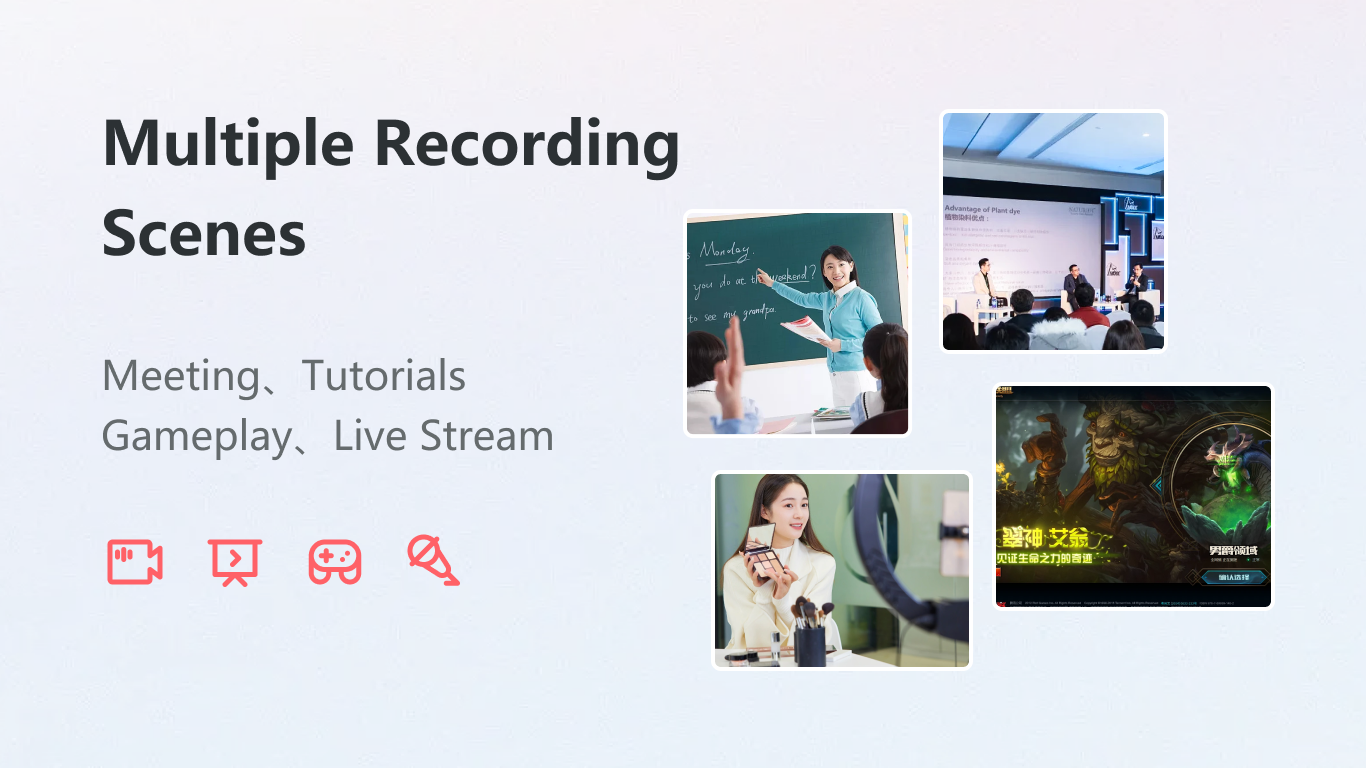
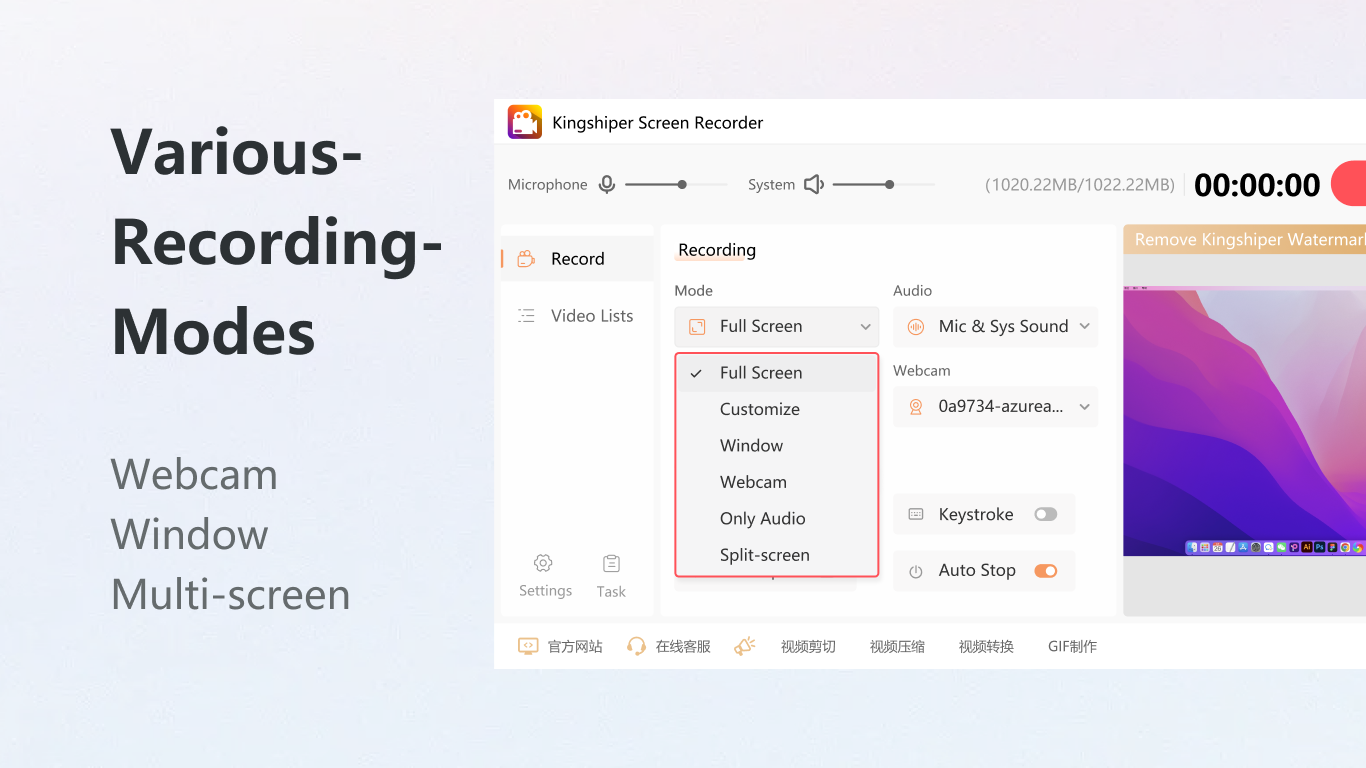
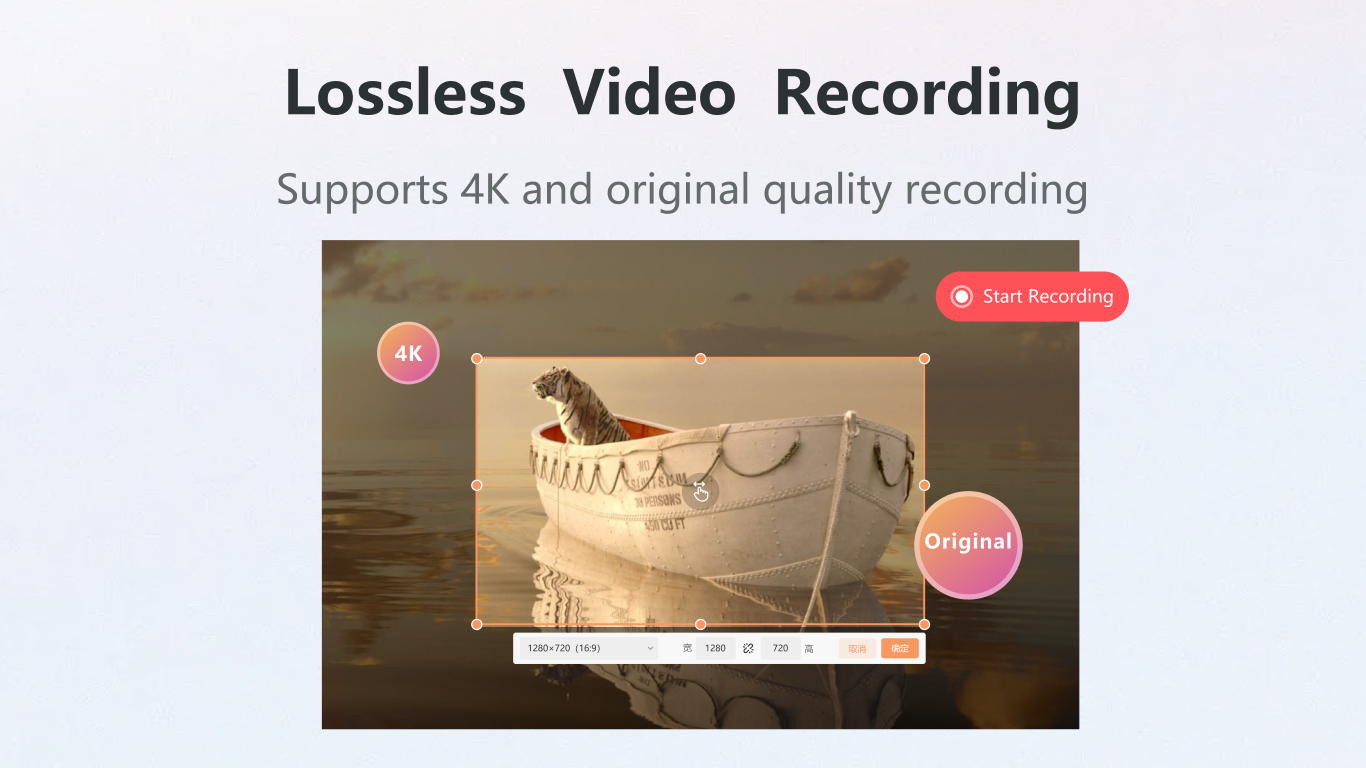
About Kingshiper Screen Recorder-Screen CaptureKingshiper Screen Recorder offers an intuitive interface and powerful features for screen capturing on Windows. With support for multiple recording modes and output formats, it is designed to meet the needs of professionals and casual users alike. Whether you’re creating tutorials, recording gameplay, or conducting meetings, Kingshiper provides the tools necessary for effective screen recording. Features of Kingshiper Screen Recorder-Screen Capture - One-Click Full-Screen Recording: Easily capture your entire screen with just one click. The adjustable video quality allows you to tailor the recording settings to your needs, ensuring that you get the best possible output. Additionally, tools like brushes and selection boxes facilitate real-time annotations during recording. - Split-Screen Webcam Recording: Kingshiper allows for innovative split-screen recording, ideal for teaching and streaming sessions. It enables simultaneous webcam recording, providing a professional touch to presentations and tutorials. This feature enhances viewer engagement by presenting both the content and the presenter. - Audio Recording Capabilities: Capture system sound and microphone audio simultaneously for clear and comprehensive recordings. This feature is essential for tutorials, gameplay videos, and webinars, ensuring that every sound is recorded authentically. Users can adjust settings to suit their preferences, ensuring high-quality audio. - Multiple Output Formats: Kingshiper supports various output formats, including MP4, AVI, and GIF, which cater to different platform requirements. This flexibility makes it easy to share recordings across social media or upload them to video sharing sites. The option to customize video quality further enhances its versatility. - Real-Time Keystroke Display: Display keystrokes and mouse clicks in real-time, which is particularly useful for tutorial videos. This feature assists viewers in understanding the actions being taken on screen, making it an invaluable tool for educators and streamers. It elevates the instructional quality of recordings. Reviewed by Jason A. BilbreyShow MoreShow Less

Guides & Tutorials for Kingshiper Screen Recorder-Screen Capture

How to install Kingshiper Screen Recorder-Screen Capture
  1. Click the Preview / Download button above.
  2. Once redirected, accept the terms and click Install.
  3. Wait for the Kingshiper Screen Recorder-Screen Capture download to finish on your device.
How to use Kingshiper Screen Recorder-Screen Capture

This software is primarily used for its core features described above. Open the app after installation to explore its capabilities.

User Reviews for Kingshiper Screen Recorder-Screen Capture 0

    No reviews found

Similar Apps
